The LockUp24 app

Your unit, your gate, your phone. No keys. Ever.

Book, unlock, pay and manage every LockUp24 unit from one beautifully simple app. Free with every booking, ready whenever you are, day or night.

Available on iPhone and Android. App access included with every booking.

On your computer?Scan with your phone camera to download.
The LockUp24 app on an iPhone home screen
Unit 14 unlockedJust now, from your phone
Gate openedWelcome back, 06:42
Invoice paidReceipt saved to the app
No keys or fobsYour phone is your key
24/7 accessEvery hour, every day
Free to useIncluded with every booking
iPhone and AndroidApp Store and Google Play
What it does

Everything, from one screen.

The whole storage experience lives in the app, from your first booking to your last collection.

Book in minutes

Reserve a unit, pick your start date and pay, all from the app.

Unlock with a tap

Open your unit from your phone. No keys, codes or fobs to carry.

Open the site gate

Drive in and out with a tap, or by number plate where available.

Payments and invoices

See billing, download invoices and update payment details in seconds.

Share digital keys

Give access to family or your team, and remove it just as easily.

Instant alarm alerts

Get a notification the moment anything happens at your unit.

Access history

See a clear record of every time your unit has been opened.

Add or upgrade units

Need more room? Add a unit or move up a size without a phone call.

Getting set up

Three steps from download to door.

App access is included with every booking. Here is how you get started.

1

Download the app

Get LockUp24 free from the App Store or Google Play and create your account.

2

Book and verify

Reserve your unit, verify your ID once and your digital access is unlocked.

3

Drive up and go

Open the gate and your unit from your phone, and you are in.
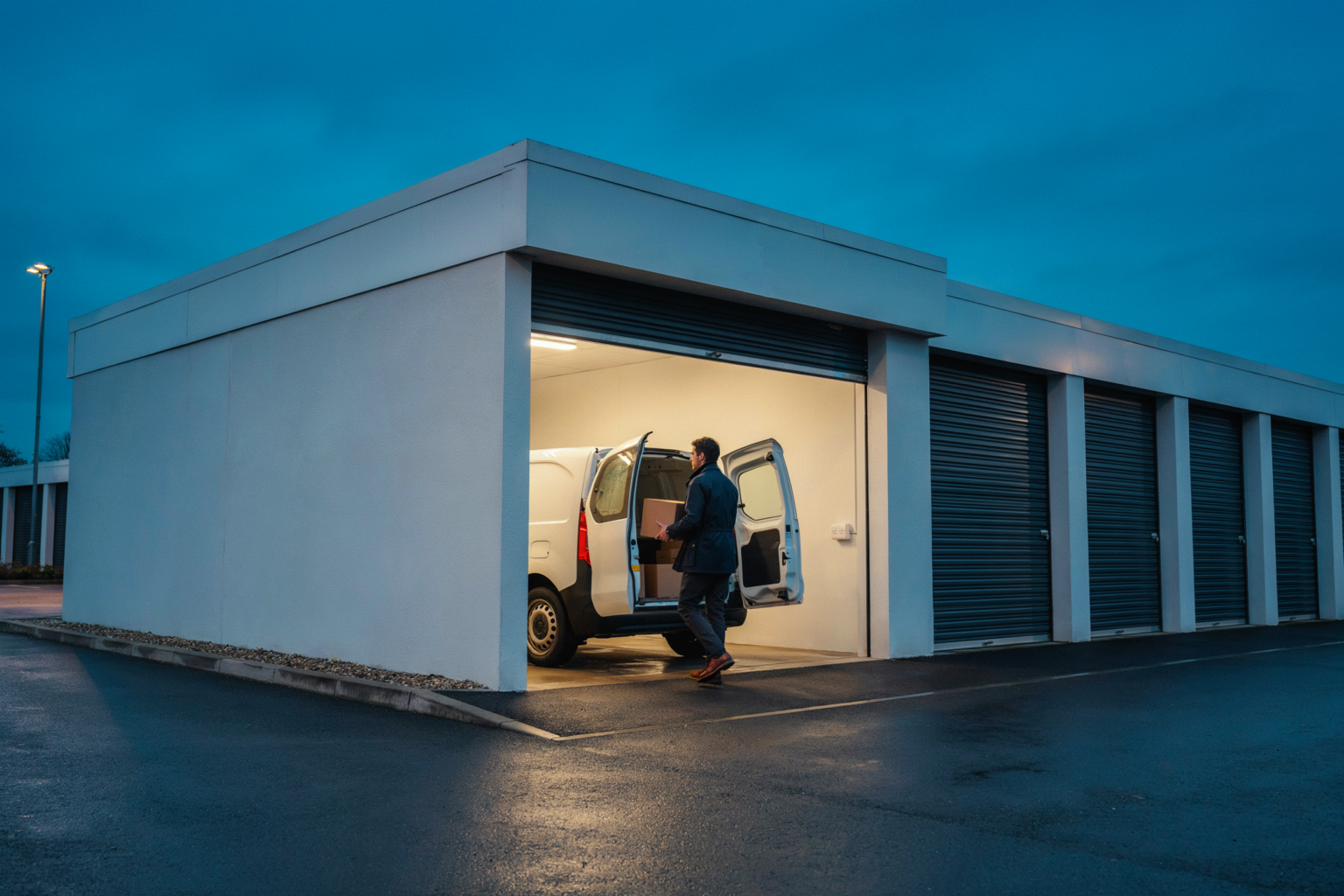
A LockUp24 customer loading a van at a lit drive-up unit before dawn
Ready when you are

6am start? Your unit is already awake.

No reception desk, no opening hours and no waiting around. Drive up, tap once and the gate and your door open for you, any hour of any day.

App FAQs

Good questions, quick answers.

Is the LockUp24 app free?
Yes. The app is free to download and app access is included with every LockUp24 booking.
Which phones does it work on?
LockUp24 is available for iPhone on the App Store and for Android phones on Google Play.
Do I still need a key, code or fob?
No. Once you have verified your ID in the app, your phone opens the site gate and your unit. There is nothing else to carry.
Can someone else access my unit?
Yes. You can share digital keys with family or your team from the app, and remove their access just as easily.
Can I manage payments in the app?
Yes. You can see your billing, download invoices and update your payment details in a few taps.

Storage that fits in your pocket.

Download LockUp24 today and manage your unit from anywhere.

Scan to downloadOpens the right store for your phone
LU24
LockUp24Free on the App Store and Google Play