Opening soon in Corby and Lytham. Book online and move in today. Find your site
Book, unlock, pay and manage every LockUp24 unit from one app. No keys, no codes, no fobs, just smarter storage on your terms.
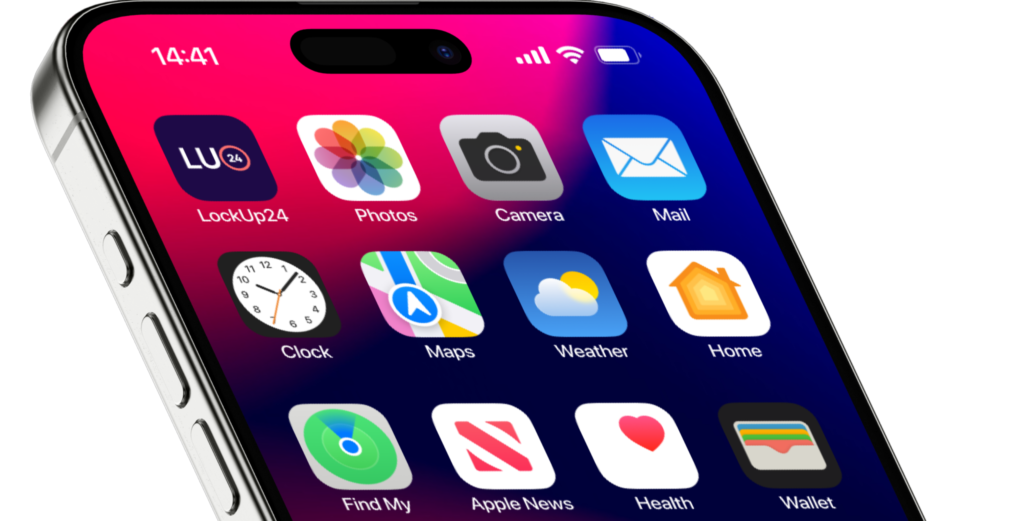
The whole storage experience lives in the app, from your first booking to your last collection.
Reserve a unit, pick your start date and pay, all from the app.
Open your unit from your phone. No keys, codes or fobs to carry.
Drive in and out with a tap, or by number plate where available.
See billing, download invoices and update payment details in seconds.
Give access to family or your team, and remove it just as easily.
Get a notification the moment anything happens at your unit.
See a clear record of every time your unit has been opened.
Need more room? Add a unit or move up a size without a phone call.
App access is included with every booking. Here is how you get started.
Reserve your unit and pay in a few minutes. Your space is confirmed instantly.
Get the app, verify your ID once and unlock your digital access.
Drive up, open the gate and your unit from your phone, and you are in.
Book your unit online and manage everything from the LockUp24 app.